


Choosing a monitoring tool is not a small decision, and this mSpy review answers the questions most buyers hesitate to ask. We reviewed the platform, we tested the dashboard, and we examined its setup process, pricing, and limitations in detail.
The parental control software market now exceeds $1.3 billion globally, yet many users report frustration after purchase. We think transparency matters.
This guide explains what mSpy actually delivers, where it falls short, and who should avoid it. You will see the strengths, the flaws, and a smarter alternative for specific needs.
Table of Contents
What Is mSpy And Who Is It For?
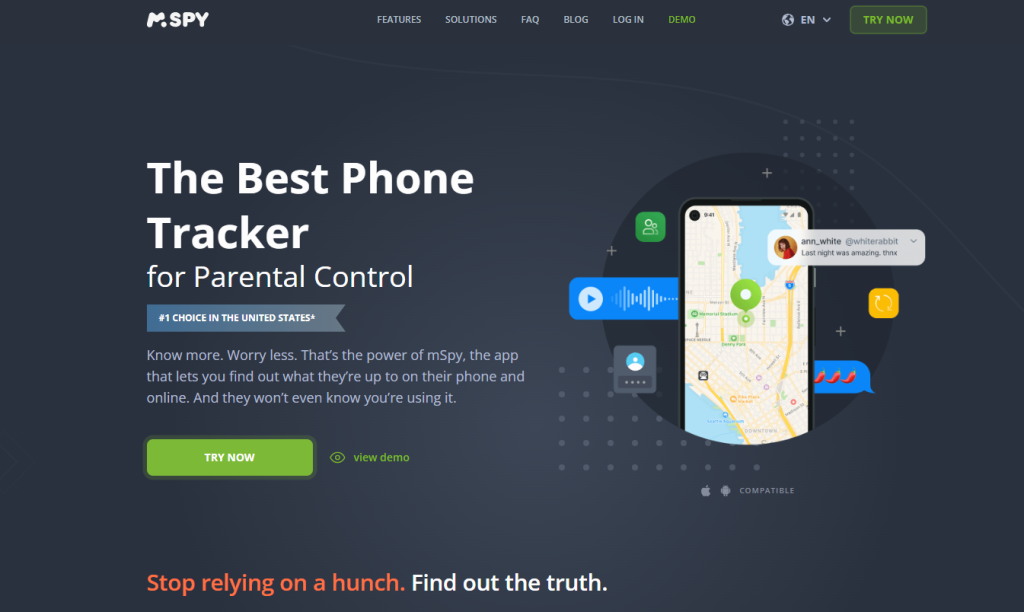
mSpy presents itself as a phone monitoring and parental control solution built for parents and employers who need visibility into device activity. It promotes access to text messages, call logs, GPS location, social media activity, browser history, and app usage through a web-based dashboard.
It does not function like a magic real-time spy tool. Platform limitations, permissions, and setup method directly affect what you can actually see.
iPhones require either iCloud credentials or device-level configuration, depending on the monitoring depth. Supported systems include Android and iOS, but features vary significantly between them. Full functionality depends on correct setup, stable internet connection, and granted permissions.
Many buyers misunderstand marketing claims and assume zero access is needed. In reality, proper installation demands device control, configuration accuracy, and ongoing connectivity for data synchronization.
mSpy Features Explained In Detail
mSpy promotes a wide list of monitoring tools, but not every feature works the same across devices. Below, we explain exactly what you get, how it behaves in real use, and where limitations appear.
Dashboard And Activity Overview
The mSpy dashboard runs in a browser and shows activity in separate sections such as messages, calls, location, and apps. Data appears in lists with timestamps, contact names, and short previews; however, it does not stream live like a screen recorder.
Instead, the device sends updates at intervals, which means delays can occur if the phone has low battery, poor internet, or background restrictions. On Android, sync tends to feel faster. On iPhone setups that rely on iCloud backups, updates depend heavily on how often the device backs up.
Text Messages And Chat App Monitoring
mSpy provides access to SMS text messages, including contact name, phone number, time, and message content. On Android, it can capture more detailed app-based messages when proper permissions exist.
On iPhone, message visibility depends on the setup method and backup status. When mSpy says “chat monitoring,” it usually means message logs rather than live chat viewing. Media inside chats does not always load instantly, and deleted messages may not appear unless captured before removal.
Social Media Tracking Capabilities
mSpy advertises monitoring for apps like Instagram, WhatsApp, and Snapchat, but feature depth varies. On Android, it can access certain message logs and basic interaction data after installation with correct permissions.
On iOS, social app visibility often relies on iCloud data rather than direct app access, which limits real-time insight. Snapchat support remains limited due to encryption and platform restrictions. Many users expect full live account access; in practice, results depend on operating system and configuration.
GPS Location Tracking And Geofencing
The GPS tracker shows current location on a map plus stored location history with timestamps. Accuracy depends on the phone’s GPS signal, Wi-Fi, and mobile data quality.
Geofencing allows users to set virtual zones and receive alerts when the device enters or leaves those areas. Live tracking does not update second by second; instead, it refreshes at intervals. If location services turn off or battery drops, tracking pauses until connection resumes.
Call Logs And Contact Monitoring
mSpy displays incoming and outgoing call logs, including duration, time, and contact details. It does not record call audio in most standard setups, which surprises some buyers.
The contacts section shows saved names and numbers stored on the device. Deleted contacts may remain visible if previously synced. However, third-party VoIP call details do not always appear clearly.
Media Files And Gallery Access
mSpy can display photos and videos stored on the device gallery once synced to the dashboard. File previews include thumbnails and timestamps, but upload speed depends on internet stability.
Large video files take longer to appear. Deleted media does not show unless captured before removal. Media sent through encrypted apps may not always display fully inside the panel.
mSpy Setup Process: What Actually Happens
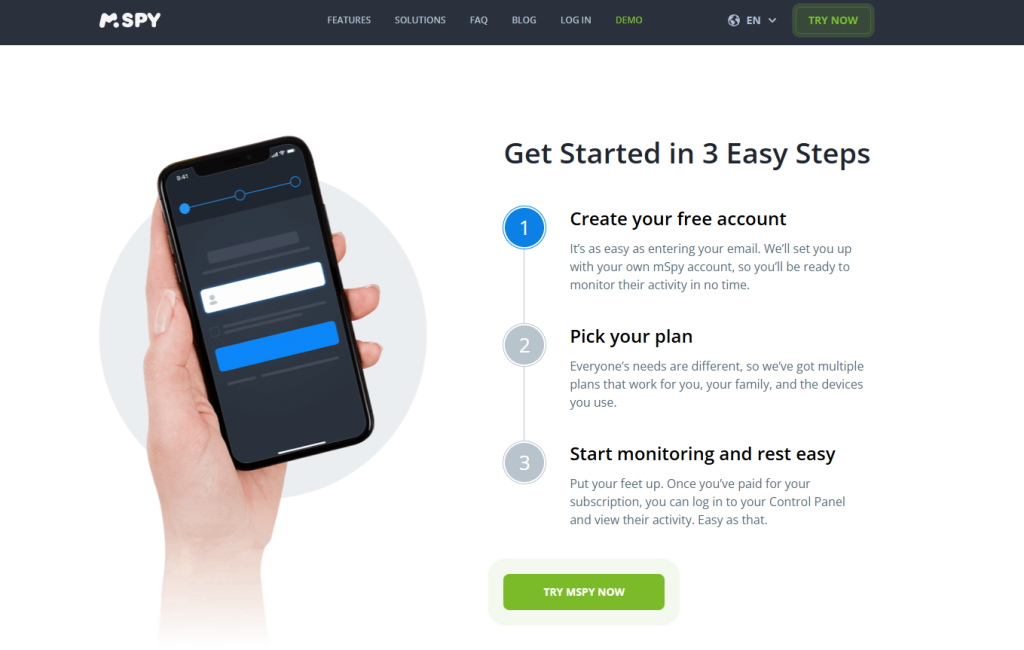
The setup is not one-click simple, and that is where many users feel frustrated. Below is what actually happens after payment, including common flaws.
- You create an account and immediately face pressure toward longer plans because monthly pricing looks high.
- The checkout page enables auto-renew by default, and many users miss that detail.
- You must select the correct device type; one wrong choice limits features and forces you to restart the setup.
- Android installation requires physical access to the phone, manual download, and enabling sensitive permissions like accessibility and background access.
- The app does not always hide cleanly after installation, especially on newer Android versions.
- iPhone setup often requires iCloud credentials, which many buyers cannot access legally or practically.
- After installation, the dashboard may appear empty for hours.
- Sync depends on internet stability, battery level, and system restrictions, which mSpy does not fully control.
- iCloud-based setups only update after a new backup, so data does not show in real time.
- OS updates can break tracking features without warning.
- Missing permissions block messages or location data, and users often struggle to identify which setting causes the issue.
- If setup fails, support responses are not always immediate, which delays resolution.
mSpy Pricing And Subscription Details
mSpy pricing looks simple at first glance, but the structure hides important details. The longer the commitment, the lower the monthly rate, yet the upfront payment increases significantly.
| Plan Length | Approx. Monthly Cost | Billed As | What To Know | Key Flaws |
| 1 Month | $48/month | Billed monthly | Full feature access for one device | Highest monthly price, auto-renew enabled by default |
| 3 Months | $28–$30/month | Billed $80–$90 upfront | Better value per month | Requires upfront payment, still auto-renews |
| 12 Months | $11–$15/month | Billed $140–$180 upfront | Lowest monthly rate | Large upfront cost, long commitment |
→ Plan structure: The price drops as commitment increases. However, the “cheap” monthly rate only applies when you pay the full long-term amount in advance. Many users expect flexible month-to-month pricing, but that option costs significantly more.
→ Hidden costs and renewal behavior: Auto-renew activates by default at checkout. If cancellation does not happen before renewal, the system charges the full subscription again. Upgrades to higher-tier monitoring may require additional payment.
→ Refund and cancellation rules: Refund approval depends on usage conditions and timing. Users must verify refund terms before purchase because billing complaints often relate to renewal misunderstandings or delayed cancellation requests.
mSpy Flaws And Common User Complaints
No tool is perfect, and mSpy receives consistent criticism in several areas. Below are the most reported issues users face after purchase.
Setup Complexity And Technical Barriers
mSpy is not beginner-friendly, especially on Android. Installation requires device access, manual permission approval, and system setting adjustments that many parents find confusing.
Newer Android versions restrict background processes, which blocks full tracking unless configured correctly. iPhone setup often depends on iCloud credentials, which many users cannot legally access. As a result, buyers searching for “mSpy not working” usually struggle with setup, not subscription.
Limited Features On Certain Devices
Feature availability differs sharply between Android and iPhone. Android offers deeper monitoring such as keylogging and broader app visibility, while iPhone relies heavily on backup-based data.
Social media tracking does not provide full live access to accounts. Snapchat monitoring remains limited due to encryption. Many complaints labeled as “mSpy problems” stem from buyers expecting identical performance across both systems.
Data Delays And Sync Issues
mSpy does not stream activity live in most cases. Instead, data appears after sync intervals, which creates delays. Users often report missing messages that later appear once the device reconnects to the internet.
If the phone enters low power mode, tracking may pause. iCloud-based setups show updates only after a new backup completes, which leads to confusion about real-time visibility.
Pricing Concerns And Commitment Length
The monthly plan costs significantly more than long-term options, which pushes buyers toward 3- or 12-month commitments.
However, those plans require large upfront payments. Many users feel surprised by the total charge at checkout. Auto-renew activates automatically unless canceled in advance. Complaints often mention renewal charges that occur before users fully understand the billing cycle.
mSpy Customer Support Complaints And Refund Disputes
Customer support is one of the most discussed weak points in negative mSpy reviews. While some users report fast ticket responses, many describe delays during urgent technical issues.
On review platforms, customers write statements such as “I waited three days for a reply while the app showed no data” and “They charged me again even after I thought I canceled”.
Refund disputes appear frequently, especially around auto-renewal timing. Several users state “Support kept sending generic replies about policy instead of solving my issue”. Most billing complaints focus on renewal misunderstandings rather than total product failure, which creates frustration when users expect quick resolution.
Best Alternative To mSpy For Instagram Viewing: PeekViewer
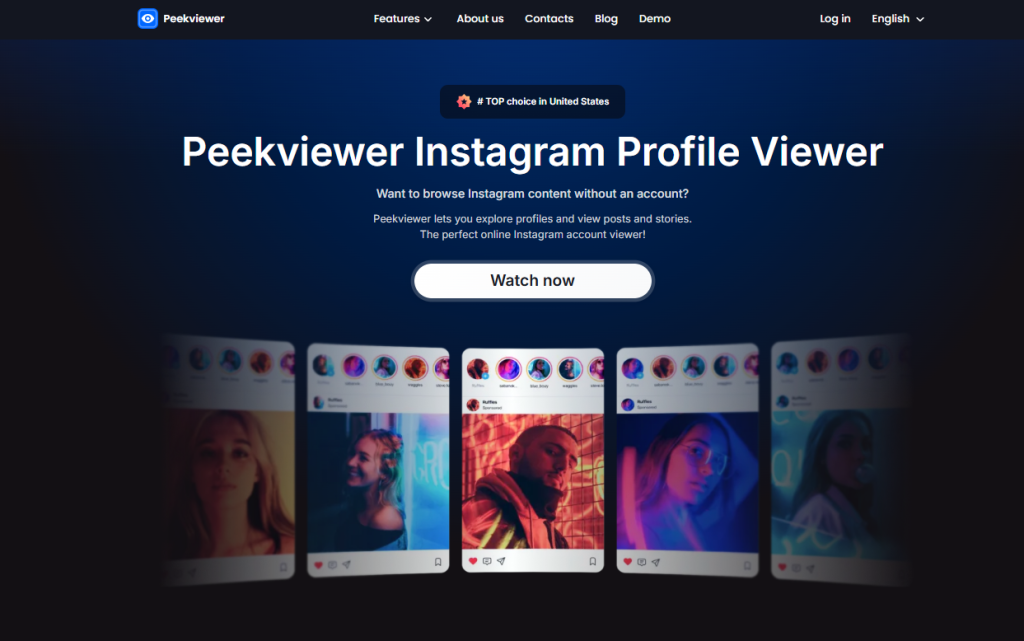
If your main goal focuses on Instagram activity rather than full phone monitoring, mSpy may feel excessive and complicated. In that case, PeekViewer offers a more focused and practical solution.
What PeekViewer Is Designed For
PeekViewer concentrates specifically on Instagram profile viewing and content access. It does not try to monitor an entire device or control phone settings. Instead, it provides access to Instagram content through a direct, streamlined interface.
This makes it suitable for users who want visibility into Instagram profiles without managing operating systems, permissions, or background sync behavior. The tool addresses a narrow need and does not overload users with unrelated features.
Why PeekViewer Can Be A Better Choice Than mSpy For Instagram Monitoring
mSpy requires device installation, permission control, and system configuration. PeekViewer removes that complexity. There is no heavy setup, no manual app installation on a target device, and no dependency on operating system restrictions.
As a result, users avoid common mSpy problems such as sync delays, missing permissions, and compatibility gaps. The experience feels simpler and faster because the platform focuses on Instagram access rather than full device surveillance.
Choosing Between mSpy And PeekViewer
The decision depends on your objective. If you need complete phone monitoring, parental controls, and location tracking, mSpy may fit your situation. However, if your goal centers only on Instagram viewing and profile research, PeekViewer provides a cleaner solution.
It reduces technical barriers, eliminates device access requirements, and minimizes billing complexity. For Instagram-specific needs, PeekViewer stands out as the more efficient and less frustrating alternative.
→ If Instagram monitoring is your priority, test PeekViewer and access profiles without device setup, installation steps, or long-term subscription pressure.
Final Verdict
This mSpy review shows that the tool delivers solid parental monitoring features, especially on Android devices with full permissions enabled.
It provides access to messages, calls, location data, and certain app activity through a structured dashboard. However, setup complexity, device limitations on iPhone, sync delays, and billing complaints reduce its overall reliability for many users.
It works best for parents who legally control the target device and understand technical configuration steps. If your goal focuses strictly on Instagram profile viewing, PeekViewer offers a simpler and less frustrating solution without installation hurdles or long-term commitment pressure.
→ Try PeekViewer today and get the visibility you need without device installation, sync delays, or complicated configuration steps.
Frequently Asked Questions
Is mSpy legal to use?
mSpy is legal when used on a device you own or have proper consent to monitor. Laws vary by country, so users must confirm local regulations before installation.
Does mSpy require physical access to the phone?
In most Android cases, yes. Installation requires direct access to enable permissions. iPhone setups may require iCloud credentials instead of physical installation.
Why is mSpy not showing messages?
Common reasons include missing permissions, poor internet connection, disabled background activity, or delayed iCloud backups on iPhone devices.
Does mSpy work the same on iPhone and Android?
No. Android devices usually provide deeper monitoring features. iPhone tracking depends more on backup data and system limitations.
Can mSpy fully track Instagram activity?
It can capture certain data depending on device type and setup. However, it does not provide full live account access, and feature depth varies.
Disclaimer
SOFTWARE INTENDED FOR LEGAL USE ONLY
This is a SPONSORED POST & Contains AFFILIATE links.
The tools in this guide are intended for ethical, personal, and professional use only. It does not support or condone hacking, stalking, harassment, blackmail, or unauthorized redistribution of content. Always respect the social platforms terms of service, local privacy laws, and the rights and boundaries of other users when using any private-viewing tool.

