


Finding the best parental control app for teens becomes important once you realize how much of your child’s life happens on a phone, not in front of you.
Recent studies show that teens spend over 7 hours per day on mobile devices, with most of that time inside social media and messaging apps. You need clear visibility, not guesswork, because risks like hidden chats, location sharing, and private accounts stay invisible without the right tools.
We tested real solutions to see how they perform in daily use, so you can choose an app that gives reliable monitoring, not limited or misleading data.
Table of Contents
6 Best Parental Control Apps for Teens (Tested and Compared)
Each tool gives you a different level of monitoring depth, setup complexity, and access to data such as messages, apps, and location.
You need to match the tool to how much control you want, because some apps provide full phone visibility, while others focus on specific platforms or limited insights.
1. uMobix – Full Access Parental Control App for Teens
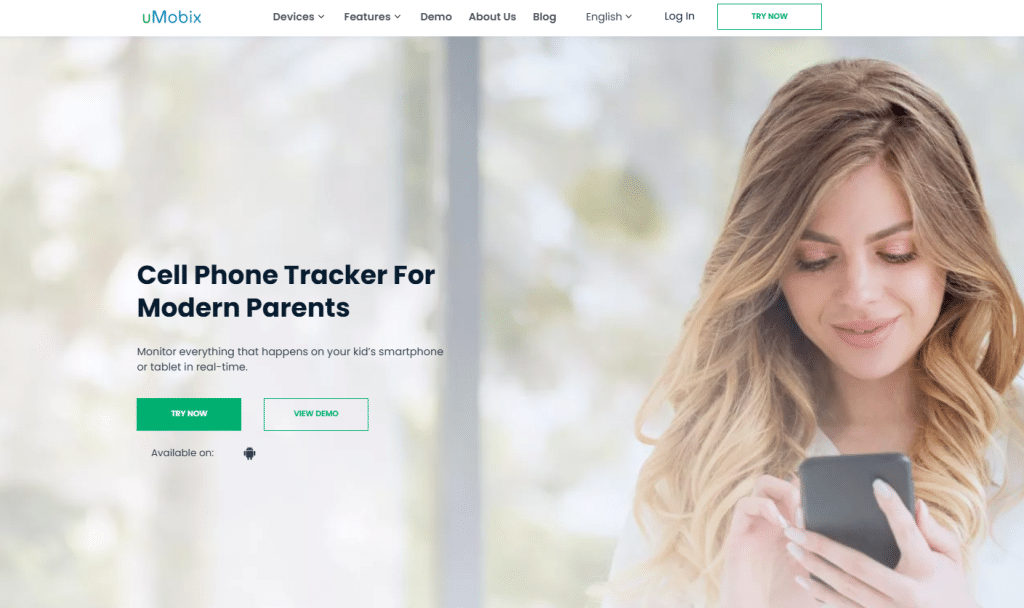
uMobix stands out as a full access parental control app for teens that focuses on real-time visibility and complete device monitoring.
We tested it on both Android and iPhone, and the biggest advantage comes from how much data you can actually see without delays or missing information.
You can check messages, call logs, social media activity, and even live screen updates, which gives you a very clear picture of daily phone usage. Setup takes a few minutes, and the dashboard stays simple enough to use every day without confusion.
Pros
- Full access to messages and social media apps, including Instagram, WhatsApp, and Messenger
- Real-time updates that show activity as it happens
- Live GPS tracking with accurate location data
- Access to photos, videos, and browser history
- Clean dashboard that does not overwhelm you with unnecessary options
Cons
- Requires installation on the target device for full functionality
- iPhone features depend on access method and permissions
2. XNSPY – Advanced Monitoring With Detailed Activity Tracking
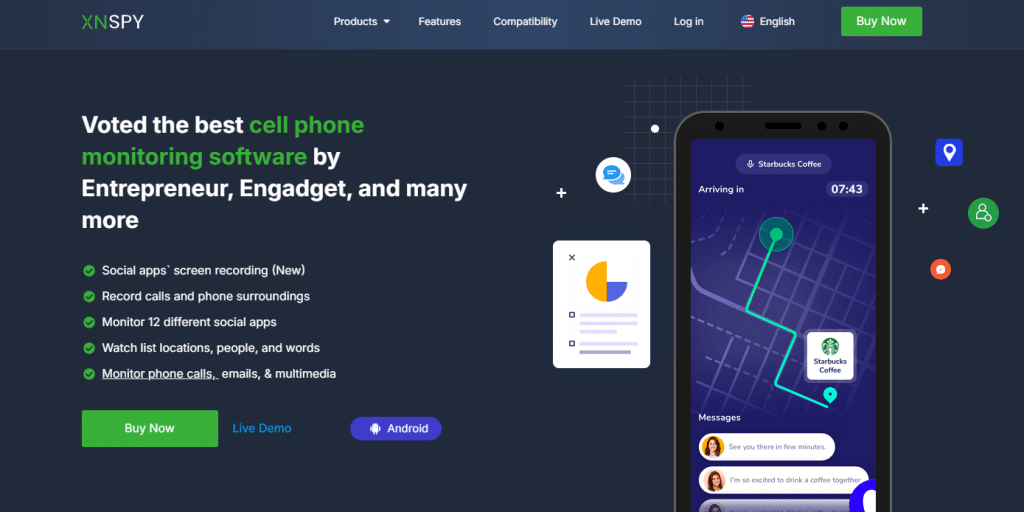
XNSPY focuses on detailed activity tracking, which makes it a strong choice if you want structured data and alerts instead of only raw access.
During testing, we noticed that it collects a large amount of information and organizes it into logs, which helps you understand patterns instead of checking everything manually.
You can track messages, calls, and app usage, but the real value comes from alert features that notify you about specific activity.
Pros
- Detailed logs for calls, messages, and app usage
- Keyword alerts that notify you about specific conversations
- Location tracking with history and movement patterns
- Remote access dashboard with organized data
- Works well for long-term monitoring and behavior tracking
Cons
- Interface feels more technical compared to simpler tools
- Setup takes slightly longer than basic monitoring apps
3. xMobi – Simple and Fast Parental Control Solution
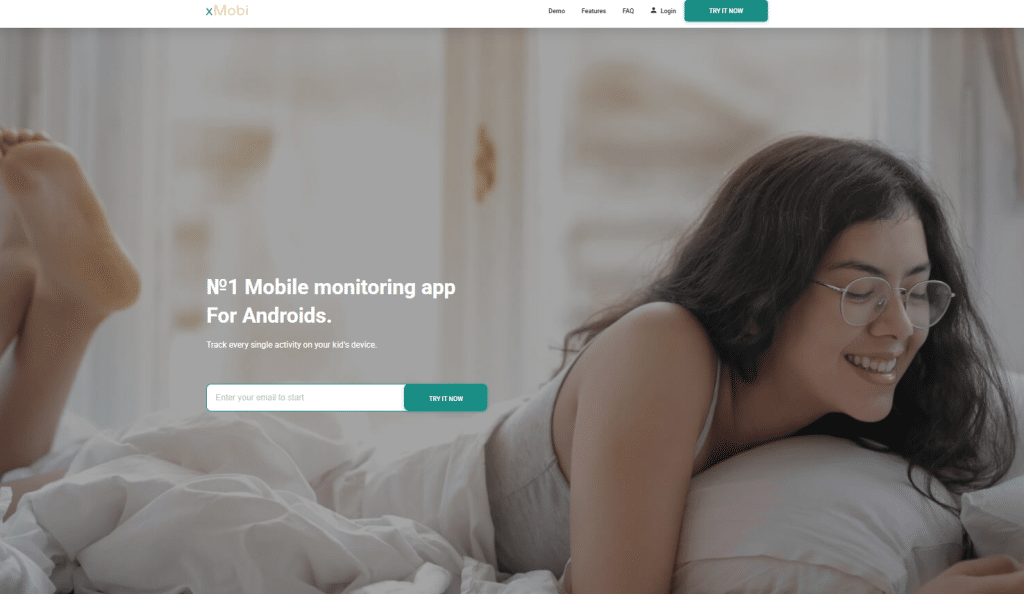
xMobi offers a simplified approach to parental control, which makes it a practical option if you want quick access without a complex setup. We tested it with users who needed basic monitoring, and it performs well for checking messages, location, and general phone activity without going too deep into advanced features.
The interface focuses on clarity, so you can find what you need without spending time navigating complicated menus.
Pros
- Fast setup with minimal technical steps
- Easy-to-use dashboard designed for everyday access
- Tracks messages, call logs, and location data
- Works well for parents who want simple oversight
- Lightweight system that runs smoothly
Cons
- Limited advanced features compared to full monitoring tools
- Social media tracking is not as detailed as premium solutions
4. PeekViewer – Instagram-Focused Monitoring Tool
PeekViewer focuses specifically on Instagram monitoring, which makes it useful if most of your concerns involve social media activity.
We tested it with private and public profiles, and it allows you to view posts, stories, and account activity without interacting with the profile. It does not replace full parental control apps, but it fills a gap when Instagram visibility becomes a priority.
Pros
- Access to Instagram profiles, posts, and stories
- No installation required on the target device
- Works with private accounts in many cases
- Simple access through a browser-based interface
- Useful for checking specific social media behavior
Cons
- Limited to Instagram only, no full phone monitoring
- Does not provide access to messages or device data
5. AccountViewer – Private Profile Viewing Tool
AccountViewer works as a profile viewing tool that focuses on accessing limited social media information without full device monitoring.
We tested it for situations where parents want to check activity without installing an app, and it provides basic visibility into profiles and shared content. It works best as a supplementary tool, not as a complete parental control solution.
Pros
- No installation required, which simplifies access
- Quick way to view selected profile content
- Works through a browser interface
- Useful for occasional checks instead of continuous monitoring
- Simple setup that does not require technical knowledge
Cons
- Very limited data compared to full parental control apps
- No access to messages, calls, or device activity
6. mSpy – Balanced Monitoring and Parental Control Features
mSpy offers a balanced combination of monitoring features and usability, which makes it a popular option for parents who want both control and simplicity.
During testing, it performed well across multiple categories, including message tracking, app monitoring, and location tracking. The dashboard organizes data clearly, so you can check activity without spending time searching through menus.
Pros
- Access to messages, call logs, and social media activity
- Location tracking with route history
- User-friendly dashboard with clear navigation
- Works on both Android and iPhone devices
- Reliable performance across different use cases
Cons
- Some advanced features require higher-tier plans
- Real-time updates are not as fast as top-tier tools like uMobix
What You Can Actually Monitor With a Parental Control App for Teens
The level of access you get depends on how the app works and how it connects to the device. You should set clear expectations, because some tools provide full phone visibility, while others only show selected data such as location or limited app activity.
Text Messages and Call Activity
You can monitor standard SMS messages and call logs with most parental control apps, but the level of detail depends on the platform and permissions. Android devices usually allow deeper access, while iPhones restrict certain data unless specific setup methods are used.
- Visible data usually includes:
- Sent and received SMS messages
- Contact names and phone numbers
- Call duration and timestamps
- Important limitations:
- iPhone access may require iCloud credentials for message syncing
- Deleted messages are not always recoverable on all apps
- Encrypted messaging apps do not appear in standard SMS logs
Clear message visibility helps you understand who your teen communicates with and how often those conversations happen.
Social Media Monitoring
Social media remains the most important area for most parents, but not all apps provide the same level of access. Full monitoring tools such as uMobix or mSpy allow you to view activity inside apps, while lighter tools only show limited data.
- Full access apps can show:
- Instagram messages and activity
- Snapchat chats and interactions
- WhatsApp conversations and media
- Facebook Messenger messages
- Limited tools usually provide:
- Profile activity without message access
- Public posts and visible interactions
- Partial engagement data
You need to choose carefully here, because social platforms contain most of the conversations that never appear in regular text messages.
Location Tracking and Movement History
Location tracking gives you real-time awareness of where your teen is and where they have been throughout the day. The accuracy depends on GPS access and how frequently the app updates location data.
- What you can expect:
- Live GPS tracking with map view
- Location history with timestamps
- Movement patterns across days
- Practical use cases:
- Checking arrival at school or home
- Monitoring travel routes and unusual stops
- Verifying location during specific time periods
Reliable tracking gives you peace of mind, especially when your teen spends more time outside your direct supervision.
Photos, Videos, and Browser Activity
Media and browsing data reveal another layer of behavior that often goes unnoticed without proper monitoring. Access to this data depends on permissions and the type of app you choose.
- Media visibility includes:
- Stored photos and recorded videos
- Files received through messaging apps
- Downloads saved on the device
- Browser activity includes:
- Visited websites and search history
- Time spent on specific pages
- Repeated searches and patterns
This type of insight helps you understand interests, habits, and potential risks that do not appear in messages or app activity alone.
Conclusion
Choosing the best parental control app for teens depends on how much visibility you want and how involved you plan to be in your child’s digital life. Some parents need full access to messages, social media, and location, while others prefer a lighter approach that focuses on key activity only.
We tested each option to see how it performs in real situations, not just based on features listed on a page. You should focus on reliable data, consistent updates, and ease of use, because those factors shape your daily experience.
The right choice gives you clarity, not confusion, and helps you stay informed without constant effort.
Frequently Asked Questions
What is the best parental control app for teens right now?
The best parental control app for teens depends on how much access you need, but tools like uMobix and mSpy stand out because they provide strong visibility across messages, apps, and location data.
Can parental control apps see text messages and social media?
Parental control apps can see text messages and social media activity, but the level of access depends on the app and device type. Full monitoring apps can show conversations inside platforms like Instagram, WhatsApp, and Messenger, while limited tools only display basic data. iPhone devices usually restrict deeper access unless specific setup methods are used.
Do parental control apps work on both iPhone and Android?
Most parental control apps support both iPhone and Android, but Android devices usually allow more detailed monitoring. iPhones require different setup methods, which can limit access to certain types of data such as app activity or messages.
Are parental control apps legal to use for teens?
Parental control apps are legal to use when you monitor your own child’s device and follow local privacy laws. You should always inform your teen about monitoring to maintain trust and transparency. Laws may differ depending on your location, so checking regulations in your country helps avoid issues. Responsible use focuses on safety, not control without consent.
Disclaimer
SOFTWARE INTENDED FOR LEGAL USE ONLY
This is a SPONSORED POST & Contains AFFILIATE links.
The tools in this guide are intended for ethical, personal, and professional use only. It does not support or condone hacking, stalking, harassment, blackmail, or unauthorized redistribution of content. Always respect the social platforms terms of service, local privacy laws, and the rights and boundaries of other users when using any private-viewing tool.

