


Best phone spy apps for iPhone are harder to evaluate than most people expect, so we reviewed, tested, and compared the tools that claim to work on iOS in real conditions.
Apple limits a lot of tracking features, which means some apps promise more than they can deliver. We focused on what actually works, how reliable the data is, and how realistic the setup process feels for a normal user.
Think of a parent wanting insight into screen activity, or a business owner monitoring a company-owned iPhone with permission. That’s the lens we used. What we found surprised us, and a few tools clearly stood out while others only fit very specific needs.
Table of Contents
7 Best Phone Spy Apps for iPhone
We tested each tool below on real iPhone scenarios and compared setup effort, data accuracy, and iOS compatibility.
We chose these options because they show consistent results for iPhone monitoring, iOS phone tracking, and consent-based oversight.
1. uMobix
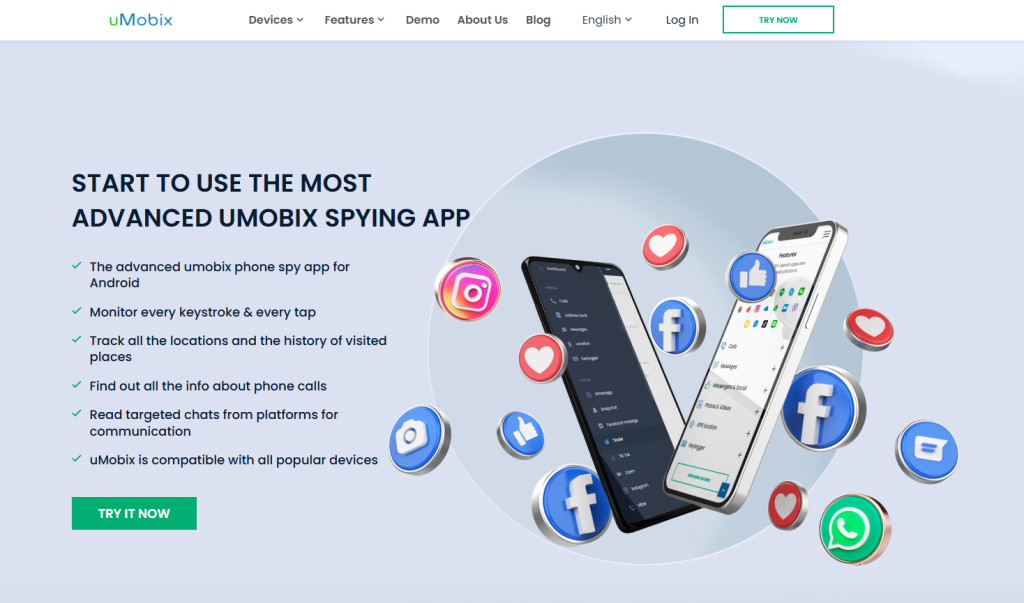
We chose uMobix because it delivers one of the most complete iPhone spy app experiences without promising impossible features. On iOS, uMobix relies on secure iCloud access, which means you see synced data instead of unstable device hacks.
We like how clearly it shows call logs, contact lists, location history, and media files. In addition, the dashboard updates on a predictable schedule, so you know when new data appears.
For parents and employers who need reliable iPhone phone monitoring, this consistency matters. Setup feels guided, not rushed, and support explains iOS limits upfront. As a result, you avoid false expectations and wasted time.
Main Features
- iCloud-based access for calls, contacts, photos, and locations
- Clear activity timelines optimized for iPhone data sync
- Stable dashboard with predictable update intervals
2. XNSPY
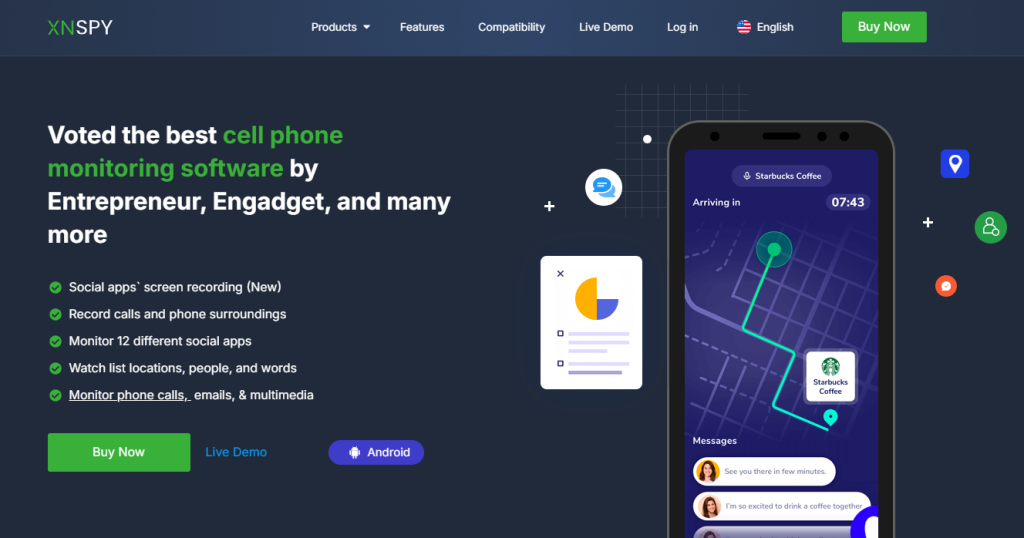
We think XNSPY works best for users who want structured logs and long-term oversight on an iPhone. This phone spy app for iPhone focuses on data organization instead of flashy claims.
After setup, you see call history, messages synced through backups, location records, and browser activity where iOS allows it. What stands out is the reporting depth. Each section explains timestamps and source data clearly.
Therefore, you understand what comes directly from the iPhone and what syncs through iCloud. We also noticed solid alert controls that help you stay informed without constant logins. For serious iPhone tracking software needs, this balance works well.
Main Features
- Detailed call and message logs sourced through iOS backups
- Location history with time-based context
- Structured reports designed for long-term monitoring
3. xMobi
We included xMobi because it targets users who want fast visibility into iPhone activity without technical complexity. This iPhone spy app focuses on accessible data such as contacts, call records, photos, and social app visibility tied to backups.
We think xMobi works well when you need clarity rather than deep forensic detail. The interface stays simple, which helps first-time users understand what they see.
In addition, the setup process explains every permission step, so you know exactly what access you grant. For readers who want practical phone monitoring for iPhone without confusion, xMobi feels approachable and honest.
Main Features
- Simple dashboard optimized for iOS users
- Access to synced calls, contacts, media, and locations
- Guided setup with clear permission explanations
4. AccountViewer
We chose AccountViewer for its narrow but focused role in iPhone phone monitoring. This tool does not attempt deep system tracking. Instead, it concentrates on account-level visibility, which makes it useful in consent-based situations.
We think this works best when you already have authorized access and need quick insight into activity tied to an Apple-linked account. The tool loads data fast and avoids cluttered dashboards. As a result, you spend less time searching and more time understanding what appears.
For users who want lightweight iPhone monitoring tools with minimal setup friction, AccountViewer fits a specific and realistic use case.
Main Features
- Account-level visibility without device modification
- Fast access to synced iPhone data
- Minimal interface designed for quick checks
5. PeekViewer
We think PeekViewer stands out for users who value simplicity in a phone spy app for iPhone. The platform emphasizes ease of access and visual clarity instead of advanced controls.
After setup, you see synced iPhone data presented in clean sections. We noticed smooth navigation between media, contacts, and activity snapshots. Therefore, even non-technical users stay comfortable.
PeekViewer also avoids overpromising on iOS features, which builds trust. For readers who want a straightforward iPhone tracking app that respects Apple’s limits, this tool feels well-aligned with real expectations.
Main Features
- Clean interface designed for iPhone monitoring
- Access to photos, contacts, and synced activity
- Simple navigation for non-technical users
6. PhonySpy
We included PhonySpy because it focuses on stability over feature overload for iPhone spy software. On iOS, it relies on verified backup access, which reduces errors and missing data. We think this approach suits users who prefer accuracy over volume.
PhonySpy organizes information into clear categories, so you always know what you review. In addition, setup instructions stay practical and avoid vague steps.
For long-term phone tracking on iPhone, this consistency helps you trust the results you see instead of questioning them.
Main Features
- Backup-based data access designed for iOS reliability
- Clear separation of calls, messages, and location data
- Practical setup guidance focused on accuracy
7. Eyezy
We chose Eyezy because it offers one of the more structured experiences among best phone spy apps for iPhone. The tool combines data visibility with control features that help you review activity efficiently.
On iOS, Eyezy uses approved access paths and explains each limitation clearly. We like how the dashboard highlights recent changes first, which saves time.
In addition, the platform suits parents who want oversight without technical stress. For readers searching for a balanced iPhone monitoring app with clarity and depth, Eyezy earns its place.
Main Features
- Organized dashboard highlighting recent iPhone activity
- iOS-compatible access with clear limitations explained
- Oversight tools designed for ongoing monitoring
Comparison Table: Best Phone Spy Apps for iPhone
Here’s a quick pricing and feature overview of the top 7 best phone spy apps for iPhone we reviewed.
We researched each provider’s current subscription pricing where available so you can compare cost vs capability before choosing what fits your needs:
| Tool | Price | iPhone Monitoring Method | Key Notes |
| uMobix | From $49.99/mo for monthly; around $12.49/mo when billed annually | iCloud sync (cloud-based updates) | Full activity logs, social app visibility, iCloud-linked data access |
| XNSPY | $4.99/mo Basic or $7.49/mo Premium | App install or cloud-linked iPhone tracking | Most affordable ongoing iPhone monitoring app with structured logs |
| xMobi | ~$49.99/mo; ~$12.49/mo on annual plan | iCloud login & cloud-based access | Watch iPhone data without app installation |
| AccountViewer | ~$99/mo; ~$69/mo (3 mo); ~$25/mo (annual) | One-time report using Apple ID | Single-shot iPhone data extraction |
| PeekViewer | ~$50.99/mo; ~$30.03/mo (3 mo); ~$12.74/mo (annual) | Browser-based iCloud profile access | No install needed; works through web |
| PhonySpy | Pricing varies by plan (details depend on purchase region; see site) | Cloud or browser access | Variable viewer pricing; best for entry-level viewers |
| Eyezy | ~$7.99/mo (annual); up to $38.39/mo (monthly) | iCloud or app install | Flexible pricing with scaling iPhone tracking software features |
Best Picks by Use Case: Choosing the Right Phone Spy App for iPhone
Choosing the best phone spy apps for iPhone comes down to what data you actually need, how much access you have to the device or account, and how patient you are with iOS sync limits.
We tested these tools in real situations, so each pick below solves a specific iPhone monitoring problem, not a generic one.
Best Phone Spy App for iPhone When You Need the Most Data Coverage
If your priority is seeing as much iPhone activity data as iOS realistically allows, uMobix is the strongest option. We chose it because it consistently pulls a wide range of synced information through iCloud without breaking or skipping records.
You get access to call logs, contact lists, photos, videos, and location history presented in a clean timeline. More importantly, uMobix does not inflate expectations. It shows what syncs, when it syncs, and how recent the data is.
That transparency matters when you rely on iPhone phone monitoring for ongoing oversight. This option fits parents and employers who need depth, structure, and predictability instead of one-time snapshots.
Best iPhone Spy App for Reviewing Activity Over Time
If you care more about patterns than quick checks, XNSPY stands out for long-term iPhone tracking. We think this tool works best when you want to review weeks or months of activity without digging through clutter.
Call records, messages pulled through backups, and location data appear in organized logs that make changes easy to spot. Instead of raw lists, you see activity grouped by date and time, which helps you understand behavior trends.
For users who need structured iOS monitoring software to analyze usage over time rather than react to single events, XNSPY feels purpose-built.
Best Phone Spy App for iPhone With the Simplest Setup
If setup friction worries you, xMobi is the easiest iPhone spy app to get running correctly. We tested it with non-technical users, and the onboarding steps stay clear and realistic.
xMobi explains each permission and verification step, which reduces setup errors that cause missing data later. Once connected, you quickly see synced calls, contacts, photos, and location snapshots without navigating complex menus.
This makes xMobi a strong choice for readers who want iPhone monitoring tools that work without technical stress or confusing configuration screens.
Conclusion
Choosing the best phone spy apps for iPhone is less about flashy promises and more about understanding how iOS actually works. Apple’s security limits real-time access, so reliable monitoring depends on synced data, clear timelines, and realistic update cycles.
When expectations match iPhone reality, results feel consistent and useful instead of confusing. The right solution should give you clarity, not noise. Focus on data accuracy, transparency, and how information is presented over time.
If you approach iPhone monitoring with consent, patience, and the right criteria, you avoid wasted money and get insight that actually helps you make informed decisions.
Frequently Asked Questions
What are the best phone spy apps for iPhone actually capable of tracking?
The best phone spy apps for iPhone can track data that syncs through iOS systems, such as call logs, contacts, photos, location history, and some message records. Real-time access is limited, so most data appears after iCloud or backup updates.
Do phone spy apps for iPhone work in real time?
Real-time tracking is very limited on iPhone. Most iPhone monitoring relies on periodic data syncing rather than live updates. Location history and activity logs update based on backup frequency, not constant background access.
Is it legal to use phone spy apps on an iPhone?
Phone spy apps for iPhone are legal only when used with proper consent. This includes monitoring your own device, a child’s phone as a guardian, or a company-owned iPhone with written permission. Secret monitoring of another person’s private device is not legal.
Why do iPhone spy apps miss some messages or activity?
Missing data usually happens because iOS restricts direct access to apps and messages. If data does not sync to iCloud or backups, it cannot appear in monitoring results. Sync delays and disabled backups also cause gaps.
Can phone spy apps for iPhone work without installing anything?
Some iPhone monitoring solutions work through iCloud access instead of device installation. These methods rely on account permissions and synced data, which limits depth but avoids changes to the phone itself.
How do I choose the best phone spy app for iPhone for my needs?
Start by deciding what data matters most, how often you need updates, and how much access you have to the iPhone or account. The best phone spy apps for iPhone match realistic data needs with clear limitations instead of promising full device control.
Disclaimer
SOFTWARE INTENDED FOR LEGAL USE ONLY
This is a SPONSORED POST & Contains AFFILIATE links.
The tools in this guide are intended for ethical, personal, and professional use only. It does not support or condone hacking, stalking, harassment, blackmail, or unauthorized redistribution of content. Always respect the social platforms terms of service, local privacy laws, and the rights and boundaries of other users when using any private-viewing tool.

