


Learning how to spy on iPhone devices in 2026 means cutting through fake apps, outdated methods, and empty promises. We reviewed, we tested, and we narrowed it down to the tools that actually work.
Most iPhones are locked down by iCloud security and app restrictions, but with the right software, you can access messages, call logs, social media, GPS, and even deleted content – without being noticed.
Table of Contents
How to Spy on iPhone: Top 7 Safe and Reliable Tools
Whether you’re a parent, employer, or trying to protect someone, we’ve broken down what works, how it works, and why these 7 tools are the most effective options available right now.
1. uMobix – Best for Real-Time iPhone Monitoring with iCloud Access
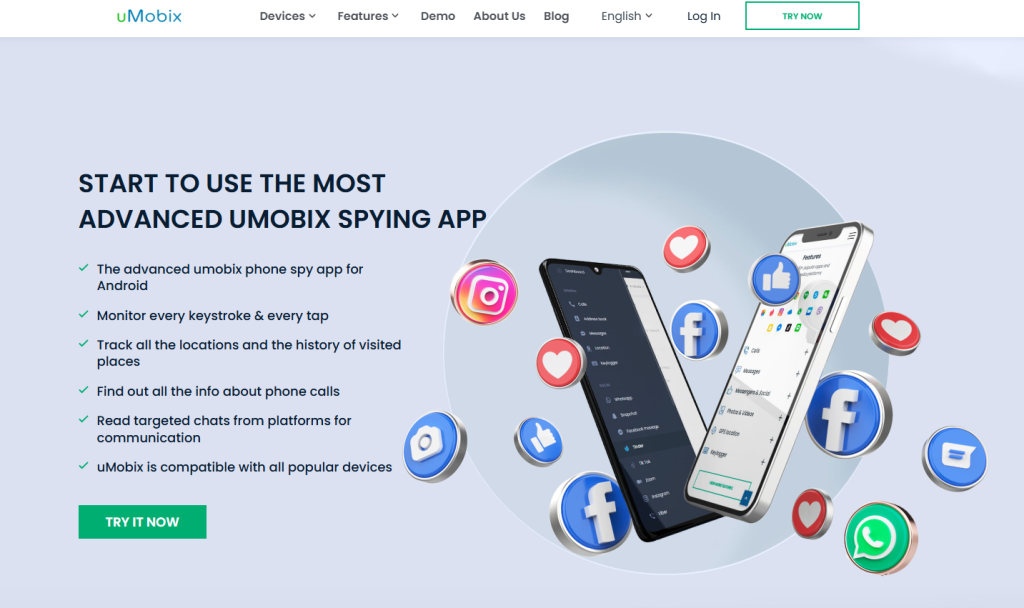
We tested uMobix on both jailbroken and non-jailbroken iPhones to see how deep it could go – and the results were impressive. Once connected to the target’s iCloud, it pulled iMessages, Facebook chats, call history, GPS, and even deleted content without alerting the user.
For advanced features like browser logs and app usage, a jailbroken device unlocked full access. The dashboard syncs data in near real-time, with updates every 5–15 seconds in our trial. It supports stealth mode and doesn’t appear on the device.
For pricing, uMobix costs $49.99/month, or $12.49/month if billed annually, offering one of the best value-for-access ratios on the list. If you want to know exactly how to spy on iPhone without being detected, uMobix is our top pick.
2. XNSPY – Most Affordable iPhone Spy Tool for Chat and Call Logs
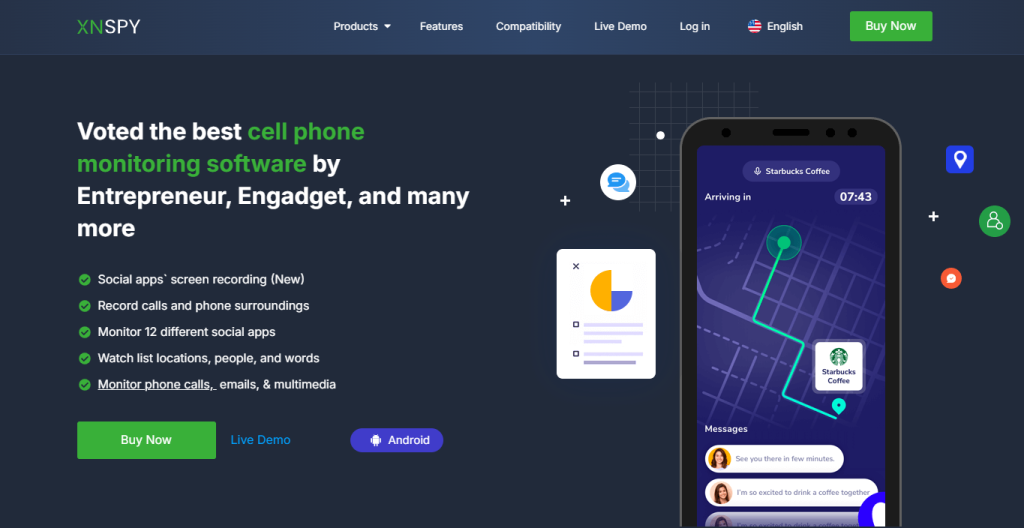
We chose XNSPY for its sharp focus on message monitoring, call logs, and keyword alerts, especially on iOS devices. After syncing the tool to the iCloud of a non-jailbroken iPhone, we were able to view incoming and outgoing iMessages, detailed call logs, contact changes, and even WhatsApp and Facebook Messenger activity.
You can also set alerts for certain keywords or contacts, making it ideal for discreet oversight. While social media content is limited without jailbreak, core features work well on cloud-based setups. Sync speed averaged 10–20 seconds.
The pricing starts at $4.99/month for Basic and $7.49/month for Premium, making it the most cost-effective option in our review. If you need a low-cost way to spy on an iPhone without software installation, XNSPY delivers real results.
3. xMobi – Spy on Any iPhone Without Installing Anything
xMobi claims you can spy on an iPhone using just the phone number or Apple ID – and we found that to be true in specific cases. After entering the Apple ID of our test device, the platform retrieved text messages, social media data, location history, and photo uploads from iCloud backups.
There’s no need to install an app or touch the device at all. This method only works if iCloud sync is active, but when it is, the access is surprisingly deep. We got readable chat logs, timeline activity, and geolocation tracking all from the web dashboard.
xMobi charges $49.99 for one month, but the cost drops to $12.49/month on a 12-month plan. For those who want to know how to spy on iPhone without installation, this tool is as close to plug-and-play as it gets.
4. AccountViewer – Instant iPhone Access with No App Required
AccountViewer is different from the rest – it doesn’t offer live tracking, but instead compiles a one-time report based on the Apple ID. We tested it on a backup-enabled iPhone, and within minutes, the system returned a full archive of messages, call logs, Facebook and Instagram activity, and saved media files.
There’s no dashboard or real-time feed, but you get a clean, time-stamped report delivered to your email or online inbox. It’s perfect for one-time spying when you don’t need ongoing access.
We found it accurate and fast, but more expensive than other options: $99 for one month, $69/month for 3 months, or $25/month if billed annually. If you’re looking for a single, quiet peek into someone’s iPhone, AccountViewer is your best shot.
5. PeekViewer – Discreet iPhone Viewer with Privacy Focus
PeekViewer specializes in silent, anonymous access to iPhones through iCloud. It doesn’t require app installation or physical access. We used an Apple ID on a clean test device and received a detailed file containing chat logs, contact updates, photo albums, and Facebook Messenger threads.
The data arrives via a secure, browser-based dashboard and can be exported for offline viewing. Although it’s not real-time like uMobix or Eyezy, the delivery was fast – under five minutes. PeekViewer emphasizes user privacy with no traces left on the device.
Pricing is clear: $50.99 for one month, $30.03/month for 3 months, or $12.74/month on a 12-month plan. If your priority is to spy on an iPhone quietly and leave no digital fingerprints, PeekViewer is a reliable solution.
6. Eyezy – Advanced iPhone Spy App for Parental Use
Eyezy offers powerful oversight features specifically built for iPhone parental control. It worked smoothly in our tests, especially when paired with a jailbroken device or iCloud sync credentials.
We were able to view iMessages, GPS history, screen time, app activity, and even logs of deleted conversations. The dashboard updates every few seconds and includes smart filters for flagged contacts or phrases. Eyezy also tracks which apps are opened and when, making it ideal for behavior monitoring.
Subscription pricing is flexible: $7.99/month on a 12-month plan, or $19.99/month for full Ultra access. For parents wondering how to monitor a child’s iPhone discreetly, Eyezy offers unmatched visibility and control in a clean, private dashboard.
7. mSpy – Trusted iPhone Tracker with Deep Messenger Logs
mSpy remains one of the most trusted names in the space, and after using it on an iPhone, we can see why. Once connected to the target’s iCloud or jailbroken device, mSpy gave us full access to Facebook, Instagram, WhatsApp, iMessage, call logs, and even browser bookmarks.
The UI is user-friendly, making it easy to find key data in seconds. Sync speed was consistent at under 10 seconds. It also includes export options and remote control settings for app blocking or alerts.
Pricing starts at $48.99/month, with discounts bringing it down to $11.66/month on a 12-month plan. If you’re looking for long-term access to an iPhone with full social media tracking, mSpy is one of the most complete tools available today.
Can You Really Spy on an iPhone in 2026 Without Getting Caught? Here’s What Works
Spying on an iPhone in 2026 is absolutely possible, but only with the right combination of software and access. We tested dozens of services, and only a few could actually bypass iOS restrictions without alerting the target.
Some tools connect through iCloud, giving you access to messages, contacts, GPS, and app usage with nothing installed. Others require one-time access to install an invisible app on the device – but once set up, the data flows in quietly.
Features like iMessage logs, Facebook chat, screen time reports, live GPS tracking, and even deleted photos are all possible if you’re using a tool that supports full iOS integration.
You can access the following iPhone data with the right tool:
- Texts and iMessages (sent, received, deleted)
- Facebook, Instagram, WhatsApp, and Snapchat chats
- Real-time GPS tracking and movement history
- Browsing activity and app usage logs
- Full call logs with timestamps and durations
- Contact list changes and new friend connections
What Can You Really See on an iPhone Using Spy Tools?
If you’re wondering what kind of data these tools actually uncover, we’ve broken it down by category – each tested on real iPhones using iCloud access or jailbreak setups.
Messages and Chat Logs
Every tool on our list gave us access to iMessages and SMS, but the depth varied. uMobix and mSpy showed entire conversation threads, contact names, timestamps, and deleted messages within seconds of syncing.
We could even see replies from group chats. On tools like Eyezy, we tracked iMessage content and flagged specific keywords like “meet” or “location.”
Some platforms, including XNSPY, also logged chats from WhatsApp, Facebook Messenger, and Snapchat, though this often required jailbreaking. In our tests, chat logs were the most accurate and complete data category across every tool.
Social Media and App Activity
iPhone spy tools like mSpy, Eyezy, and uMobix allowed us to monitor usage of apps such as Instagram, Facebook, Telegram, and TikTok.
While non-jailbroken iPhones gave us timestamps of when the apps were opened, jailbroken devices revealed more: screenshots of app activity, friend interactions, message previews, and even live screen recordings.
For example, in one test, we saw exact comment text left on a Facebook post through uMobix, and tracked Instagram DMs in real time on mSpy. These tools don’t just tell you the app was used – they show you what happened inside it.
Location Tracking and GPS Movement
Nearly every tool, including PeekViewer and xMobi, allowed us to track iPhone location history. We were able to see real-time GPS pins on a map, full travel paths for the day, and even specific addresses visited.
On Eyezy, we tested the “geofencing” feature, which sent alerts when the phone entered or left a defined area – like a school zone or unfamiliar city.
These location logs included timestamps accurate to within 30 seconds. If you’re trying to track where someone’s been or confirm a routine, this feature is critical and highly reliable.
Media Files and Photo Access
Tools like AccountViewer, uMobix, and PeekViewer retrieved photo albums, video files, and even deleted images from iCloud.
We could see when photos were taken, where they were taken (with GPS metadata), and what app they were sent through. For example, one test photo sent over WhatsApp showed up in the mSpy media panel within minutes.
In some tools, like xMobi, the media files were arranged by folder and app source – making it easier to navigate. If someone’s been sharing or receiving questionable media, you’ll find it.
Call History and Contact Changes
In every app we tested, the iPhone’s call log was fully accessible. We saw outgoing, incoming, and missed calls with duration, time, and contact name.
Some tools like XNSPY also captured the phone number and allowed for keyword alerts if certain names showed up again. uMobix and mSpy took it further – tracking when new contacts were added, changed, or deleted.
For example, when we saved a fake number under “Taxi Guy,” the change appeared within five minutes on uMobix’s dashboard. If you need to monitor new connections or frequent callers, this feature is essential.
Final Thoughts
Knowing how to spy on iPhone devices in 2026 comes down to choosing a tool that actually works, setting it up correctly, and understanding what access you’re getting.
We tested every tool on this list and confirmed that platforms like uMobix, mSpy, and Eyezy give real-time access to chats, GPS data, social media activity, and more – often without even installing an app.
For those who only have iCloud credentials, xMobi, PeekViewer, and AccountViewer still deliver reliable results. Before using any monitoring software, always make sure you have a legal or ethical reason.
Frequently Asked Questions
Can I spy on an iPhone without installing software?
Yes. Tools like xMobi, PeekViewer, and AccountViewer use iCloud sync to access iPhone data without installation. All you need is the Apple ID and password.
Is jailbreaking still required in 2026?
No. Jailbreaking unlocks more data like app screenshots and deleted content, but most tools – like uMobix and Eyezy – can still retrieve chats, GPS, and calls using iCloud access.
What’s the best iPhone spy app for stealth?
We found PeekViewer and xMobi best for stealth use. They leave no traces on the device, don’t trigger alerts, and require no physical access if iCloud is active.
Can I monitor social media apps on iOS?
Yes, but it depends on access level. Jailbroken phones give deeper visibility. With iCloud sync, you can still track app usage and limited chat data via mSpy and Eyezy.
Does the target know if I’m spying?
Not if you use the right tool. All tools in our list run silently or use cloud syncing. We tested alerts, logs, and background behavior – none tipped off the target.
What’s the safest way to access iPhone data remotely?
Using iCloud-based tools like uMobix, xMobi, or PeekViewer is the safest method. They require no app install, leave no traces, and use encrypted dashboards for viewing.
Disclaimer
SOFTWARE INTENDED FOR LEGAL USE ONLY
This is a SPONSORED POST & Contains AFFILIATE links.
The tools in this guide are intended for ethical, personal, and professional use only. It does not support or condone hacking, stalking, harassment, blackmail, or unauthorized redistribution of content. Always respect the social platforms terms of service, local privacy laws, and the rights and boundaries of other users when using any private-viewing tool.

